

In 2026, tablets have become powerful gaming and productivity devices. With larger screens, better processors, and enhanced multitasking capabilities, both iPads and Android tablets now rival traditional laptops for many tasks.
As tablet gaming and app usage grow more advanced, automation tools are becoming increasingly popular. One such tool is the tablet auto clicker—a solution designed to automate repetitive taps and gestures on larger touchscreens.
Whether you use an iPad for strategy idle games or an Android tablet for idle simulations, understanding how tablet automation works can help you optimize performance and reduce manual effort.
In this guide, we’ll explore everything about iPad auto clicker and Android tablet auto clicker setup in 2026.
Table of Contents
What Is a Tablet Auto Clicker?
A tablet auto clicker is a touch screen auto clicker that simulates taps, swipes, or gestures automatically on a tablet device. Instead of manually touching the screen repeatedly, the tool performs those actions according to preconfigured intervals and positions.
Because tablets have larger displays compared to smartphones, a tablet clicking tool is especially useful for:
- Multi-button gaming layouts
- Strategy-based tap mechanics
- Idle game farming systems
- Repetitive app-based tasks
In 2026, tablet gaming automation tools are more refined, offering multi-touch simulation, gesture recording, and customizable click speeds.
Why Use a Tablet Auto Clicker in 2026?
Tablets are widely used for gaming, content creation, and app-based workflows. However, many apps—especially games—require repeated tapping or consistent interaction.
A tablet auto clicker setup helps by:
- Reducing physical strain
- Increasing efficiency
- Maintaining consistent tap speed
- Supporting multi-point automation
- Allowing long sessions without fatigue
With larger screens, tablets support more complex automation setups than phones. This makes tablet gaming automation more versatile and powerful in 2026.
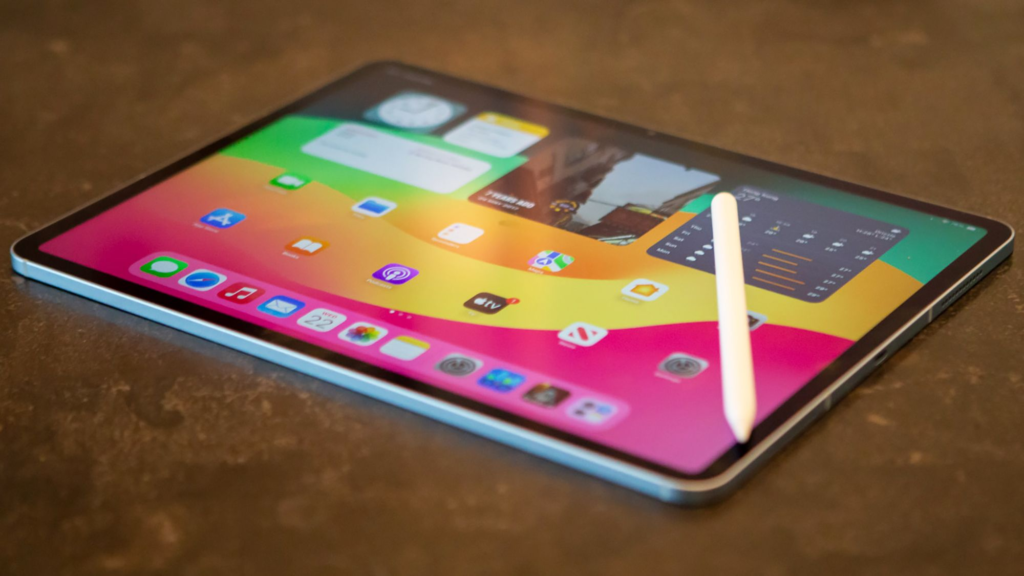
iPad Auto Clicker: What You Need to Know?
When discussing iPad auto clicker, it’s important to understand that iPadOS has stricter system restrictions compared to Android. Apple focuses heavily on security and controlled app permissions.
Native Accessibility Features
iPads offer built-in accessibility features such as:
- AssistiveTouch
- Switch Control
- Custom gesture recording
While these features are not traditional auto clickers, they can simulate repeated actions to a certain extent.
Third-Party Limitations
Unlike Android tablets, installing a direct-tap automation app on an iPad may be limited by App Store policies. However, creative workarounds using accessibility tools allow partial tablet automation.
For advanced users, automation may involve:
- Shortcut scripting
- External hardware switches
- Gesture loop configurations
Though slightly restricted, iPad auto clicker solutions still exist with proper configuration.
Android Tablet Auto Clicker: Greater Flexibility
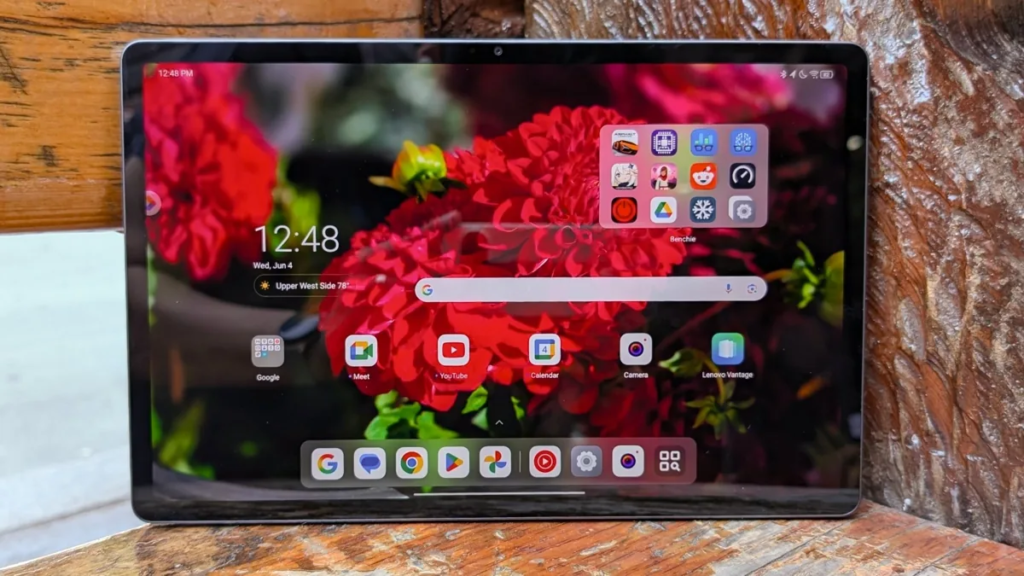
An Android tablet auto clicker offers more flexibility due to Android’s open system architecture. Users can install a variety of tablet clicking tool apps directly from official app stores.
Why Android Tablets Are Ideal for Automation?
- Easier accessibility permission control
- Support for floating control panels
- Multi-touch point simulation
- Swipe path automation
- Adjustable click intervals
In 2026, Android tablet auto clicker apps support advanced gesture programming and loop systems, making them highly efficient for gaming and repetitive tasks.
For users seeking full tablet automation, Android tablets offer a smoother, more customizable experience.
Touch Screen Auto Clicker Features in 2026
Modern touch-screen auto clicker apps now include advanced capabilities:
- Multi-Point Tap Control: Place multiple tap nodes across the tablet screen.
- Adjustable Speed: Control clicks per second or set custom intervals.
- Gesture Recording: Record swipes, drags, and complex tap sequences.
- Loop Mode: Run automation continuously or for fixed durations.
- Game-Specific Profiles: Save different automation settings for different games.
- Battery Optimization: Designed to reduce overheating during long sessions.
These features make the auto clicker for tablets tools powerful for both entertainment and productivity.
Tablet Auto Clicker Setup (Step-by-Step Guide)
Setting up a tablet auto clicker setup depends on your device.
Android Tablet Setup
- Install a trusted Android tablet auto clicker app.
- Grant accessibility permissions.
- Enable overlay display permission.
- Open your target game or app.
- Add tap points on the required screen areas.
- Adjust speed and interval settings.
- Start automation and monitor performance.
For advanced users:
- Configure multi-touch tapping.
- Set swipe paths for farming mechanics.
- Use loop mode for long grinding sessions.
iPad Setup (Using Built-In Tools)
- Open Settings.
- Go to Accessibility.
- Enable AssistiveTouch or Switch Control.
- Record custom gestures.
- Assign repeat actions.
While not as flexible as Android, iPad users can still achieve limited tablet gaming automation through creative configurations.
Best Use Cases for Tablet Gaming Automation
A tablet auto clicker works best in:
- Idle clicker games
- Strategy battle games
- Farming simulators
- Resource grinding systems
- Reward-based tapping apps
Because tablets offer larger displays, multi-touch configurations are easier to manage. A tablet clicking tool can simulate coordinated taps across different areas of the screen, which is especially useful in strategy-based games.
Benefits of Using an Auto Clicker for Tablets
- Reduced Hand Fatigue: Large tablet screens require more finger movement. Automation prevents strain.
- Increased Efficiency: Consistent click speed ensures optimal performance.
- Better Multitasking: You can monitor progress while focusing on planning or strategy
- Extended Device Use: Tablet automation allows long idle farming sessions without constant interaction.
- Precision: Automated tapping reduces human error in timing-sensitive tasks.
Is Tablet Automation Safe?
Using a touch screen auto clicker is generally safe when:
- Downloaded from official sources
- Used within app guidelines
- Not violating multiplayer policies
Always review:
- App permissions
- Game terms of service
- Device battery performance
Overuse of automation in competitive multiplayer games may result in restrictions. Use responsibly.
The Future of Tablet Auto Clickers in 2026
As tablet hardware becomes more powerful, automation tools are evolving rapidly. Upcoming innovations may include:
- AI-based adaptive tapping
- Smart gesture learning
- App-specific optimization modes
- Cloud-based automation presets
Future iPad Android auto clicker systems may integrate directly with operating systems, providing safer and more efficient automation features. Tablet automation is no longer just about repeated tapping—it’s about intelligent interaction management.
Final Thoughts
The rise of tablet gaming and productivity apps has made automation more relevant than ever. A tablet auto clicker simplifies repetitive tasks, reduces fatigue, and enhances efficiency across both iPad and Android devices.
While iPad auto clicker options may require creative setup due to system restrictions, Android tablet auto clicker tools offer robust customization and flexibility. Both platforms support tablet automation that, when used responsibly, improves the user experience.
In 2026, mastering your tablet auto clicker setup means understanding not just how to automate taps—but how to optimize your entire workflow or gaming strategy. Whether for idle games, farming systems, or repetitive app interactions, automation continues to redefine how users interact with touchscreen devices.
Smart setup leads to smarter play.