
The world of portable gaming is evolving rapidly, and for Steam Deck gamers, 2026 brings fresh innovations — especially in Steam Deck automation.
One of the most talked-about tools this year is the Steam Deck auto clicker — a handheld gaming asset that enhances gameplay, boosts efficiency, and opens up new possibilities for repetitive tasks.
Whether you’re farming resources, grinding missions, or optimizing idle gameplay, the auto clicker for Steam Deck has become an essential piece in the handheld gaming toolkit.
In this article, we’ll dive into what a Steam Deck auto clicker is, how to set it up, how it enhances your gaming experience, and the best practices for using this handheld clicking tool responsibly.
Table of Contents
What is a Steam Deck Auto Clicker?
At its core, a Steam Deck auto clicker is a software or hardware solution that automates clicking actions on the Steam Deck — eliminating the need for manual inputs. Instead of physically tapping the screen or buttons over and over, the auto clicker executes programmed click sequences with precision and speed.
For many gamers, this means fewer repetitive motions during long play sessions and more control over automated gaming tasks.
Why Gamers Are Turning to Auto Clickers on the Steam Deck?
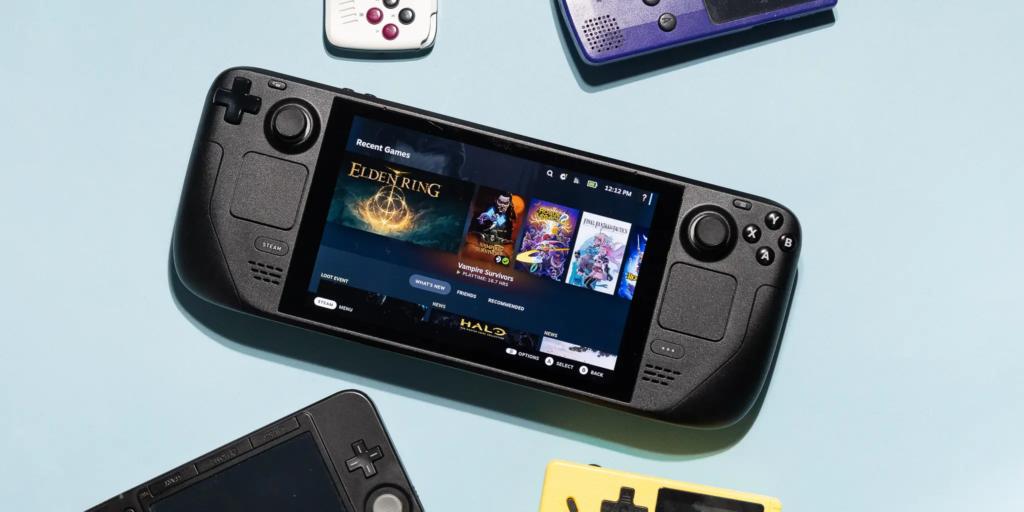
Portable gamers are always seeking ways to optimize performance and reduce fatigue. The Steam Deck’s impressive hardware has made handheld gaming mainstream, but some in-game actions are still manually intensive.
That’s where the handheld auto clicker comes in:
1. Efficiency in Repetitive Tasks
Whether you’re planting crops in simulation games, grinding mobs in RPGs, or leveling up characters, many title mechanics require repeated clicking. A gaming device auto clicker streamlines this process.
2. Support for Resource Farming
Games with resource loops benefit tremendously. Instead of constant tapping, the auto clicker handles it reliably — reducing player strain and increasing output.
3. Idle Gaming Improvements
Idle mechanics on a handheld device have never been easier to manage. With automation, progress becomes consistent without sacrificing device comfort.
Is an Auto Clicker Allowed on Steam Deck?
This is one of the most common questions players ask.
⚠️ Important: Using an auto clicker in online, competitive, or multiplayer games without permission may violate the terms of service. Always check the game’s policies before activating any steam deck auto clicker features.
However, for single-player or offline titles, many players now use automation tools as part of their handheld gaming setup without issues.
Steam Deck Auto Clicker Setup — Step by Step
Getting started with a Steam Deck auto clicker setup requires careful configuration to match your preferred games and actions.
Here’s a basic guide:
1. Choose the Right Clicker Tool
A few options exist:
- Software-based clickers: Installed directly on the Steam Deck’s environment
- External handheld auto clicker hardware: Clips or pads that physically press buttons
- Custom scripting utilities: Advanced tools that program click timing
Make sure the tool you choose is compatible with Steam Deck’s SteamOS 3.
2. Install or Load the Auto Clicker
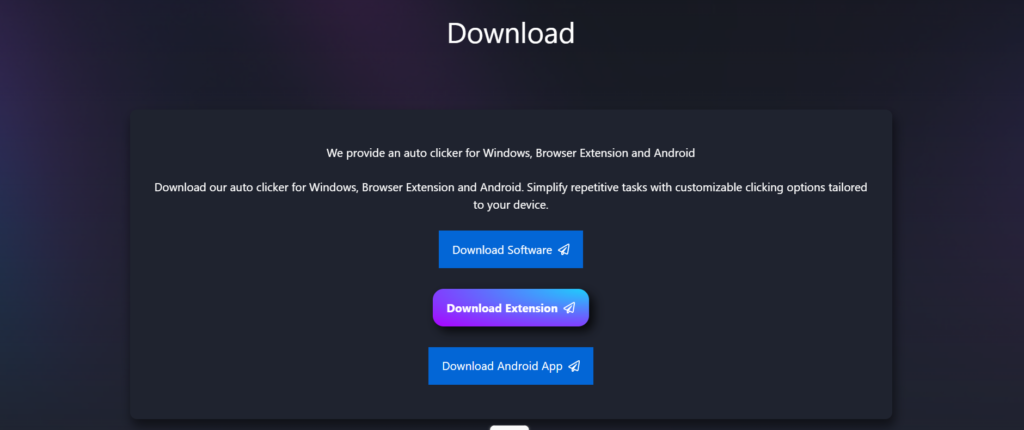
For software solutions:
- Launch Desktop Mode on your Steam Deck.
- Download the Auto Clicker package.
- Install and run the application.
- Configure permissions so it interacts with Steam games securely.
For hardware attachments:
- Connect the device via USB-C or dock.
- Pair of wireless.
- Ensure the Steam Deck recognizes the controller input.
3. Configure Click Patterns and Timing
Now for the fun part — tailoring automation:
- Clicks Per Second (CPS): Adjust to match game requirements
- Delay Patterns: Add intervals to prevent fatigue or detection
- Location Targeting: Choose precise screen spots or button mappings
Best practices here help balance performance and safety.
4. Assign Hotkeys or Gestures
Most Steam Deck setups allow gamers to:
- Trigger the auto clicker with a simple button combo
- Use trackpad gestures
- Set timers for automated sessions
This step improves ease of access — especially during long play sessions.
5. Test Before Using in Full-Play Mode
Always try the setup in a controlled environment (offline or sandbox) before using it in major game stages. This reduces accidental misclicks or unintended behavior.
Primary Benefits of Using an Auto Clicker on Steam Deck
Here’s why the Steam Deck auto clicker has become a major trend in handheld gaming automation:
- Reduced Physical Strain: For long grinding sessions, your hands stay relaxed — the auto clicker handles repetitive patterns.
- Higher Consistency: The accuracy of automated clicking exceeds human precision, especially over extended periods.
- Customizable Gameplay: You gain control over click timing, sequences, and patterns — a huge advantage for nuanced gameplay tasks.
- Time-Saving Game Progression: Instead of manual grinding, players can focus on strategy and exploration while the auto clicker manages repetitive chores.
Common Uses for a Handheld Auto Clicker
Here are the most popular game genres where a portable gaming auto clicker shines:
- Role-Playing Games (RPGs): Grinding enemies or leveling skills becomes effortless.
- Simulation Titles: Farming and resource harvesting get automated.
- Crafting and Building Games: Repeated taps for building or collecting turn into seamless cycles.
- Idle Games: Keep progress rolling even when focusing on other tasks.
Myths vs. Reality: Auto Clickers on Handheld Devices
There are a few myths players often hear:
❌ Myth: “Auto Clickers Hack the Game.”
❗️Reality: Most auto clickers automate inputs that a real person could do manually — they don’t change game mechanics.
❌ Myth: “All Auto Clickers Get You Banned.”
❗️Reality: Single-player and offline titles usually allow this, but always check the terms of service of each game.
❌ Myth: “Steam Deck Doesn’t Support Auto Clickers.”
❗️Reality: Through Desktop Mode or external devices, automation is entirely possible.
Best Practices for Safe and Responsible Use
If you’re adding an auto clicker Steam Deck setup to your gaming toolkit, here’s how to use it responsibly:
- Stick to Offline Modes: Use the clicker where no other players are affected.
- Observe Game Rules: Some games explicitly forbid automation — respect those guidelines.
- Avoid Excessive Speeds: Beyond a certain point, ultra-high CPS patterns can trigger anti-cheat systems.
- Monitor Device Health: Continuous clicking can heat the device; use breaks to ensure proper cooling.
The Future of Handheld Gaming Automation
In 2026, handheld gaming is no longer just about power — it’s about flexibility, comfort, and gaming efficiency. With the Steam Deck auto clicker, players are redefining what portable play looks like:
- More advanced tools will integrate with Steam interface
- Developers might offer sanctioned automation APIs
- Accessibility innovations will let gamers with limited mobility enjoy games more easily
The rise of handheld clicker tools reflects a wider trend: gaming that adapts to us rather than forcing us to adapt to it.
Conclusion
The Steam Deck auto clicker is more than a convenience — it’s an innovation in portable gaming. A well-set auto clicker for Steam Deck will:
- Reduce fatigue
- Enhance consistency
- Improve gameplay efficiency
- Let players enjoy extended sessions with less effort
As long as developers and communities use this technology responsibly, it stands to become a fixture in the handheld gaming automation ecosystem.
Whether you’re an RPG enthusiast, a simulation fan, or just love leveling up without sore thumbs, the 2026 Steam Deck auto clicker setup offers a smarter way to play.