
In today’s fast-paced digital world, automation tools have become essential for improving productivity and saving time. Among the most popular tools are Auto Clicker and macros, which help users perform repetitive tasks with minimal effort.
Whether you’re a gamer, developer, or someone managing routine computer work, understanding the difference between Auto Clicker vs Macro tools can significantly enhance your workflow.
While both auto clickers and macros are designed to automate actions, they serve different purposes and offer distinct functionalities. Choosing the right one depends on your specific needs and the complexity of tasks you want to automate.
In this article, we’ll explore the key differences, use cases, advantages, and limitations to help you make an informed decision.
Table of Contents
What is an Auto Clicker?
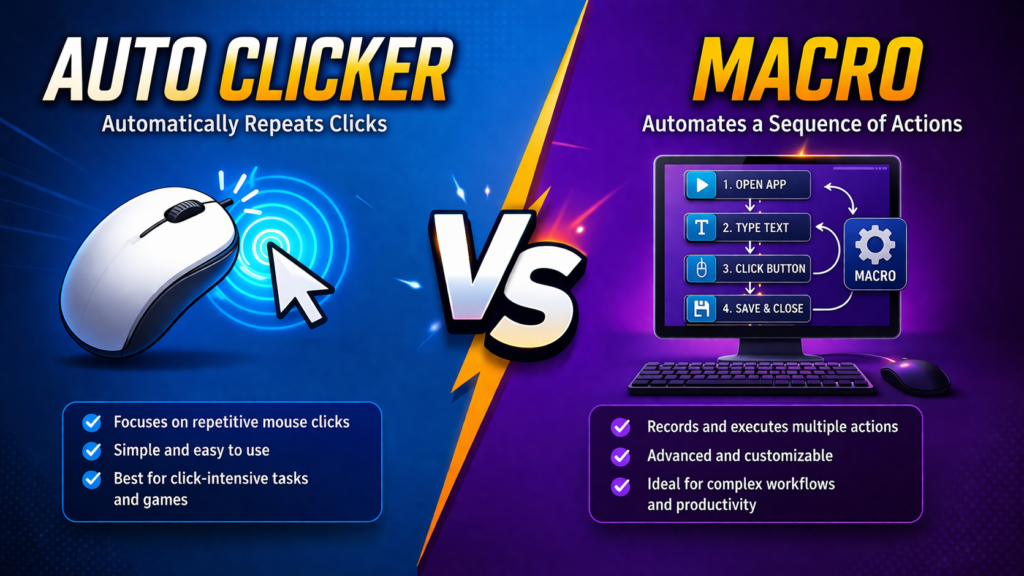
An auto clicker is a simple automation tool that simulates mouse clicks. It allows users to perform repeated clicking actions without manually pressing the mouse button. This is particularly useful in scenarios where continuous clicking is required, such as gaming, data entry, or testing applications.
Auto clickers typically come with customizable settings, including click intervals, click types (left, right, or middle), and the number of clicks. Users can set the tool to run indefinitely or stop after a certain number of clicks.
The primary purpose of an auto clicker is to reduce manual effort and prevent fatigue from repetitive clicking. It is easy to use and does not require technical knowledge, making it accessible for beginners.
What is a Macro?
A macro, on the other hand, is a more advanced automation tool that records and executes a sequence of actions. These actions can include mouse clicks, keyboard inputs, delays, and even complex workflows. Macros are widely used in software applications, gaming, and productivity tools to automate multi-step processes.
Unlike auto clickers, macros can handle complex tasks. For example, a macro can open an application, enter data, save a file, and close the program—all with a single command. This makes macros highly versatile and powerful.
Macros are commonly used in tools like spreadsheets, programming environments, and gaming software. They require a bit more setup than auto clickers but offer greater flexibility.
Auto Clicker vs Macro: Key Differences
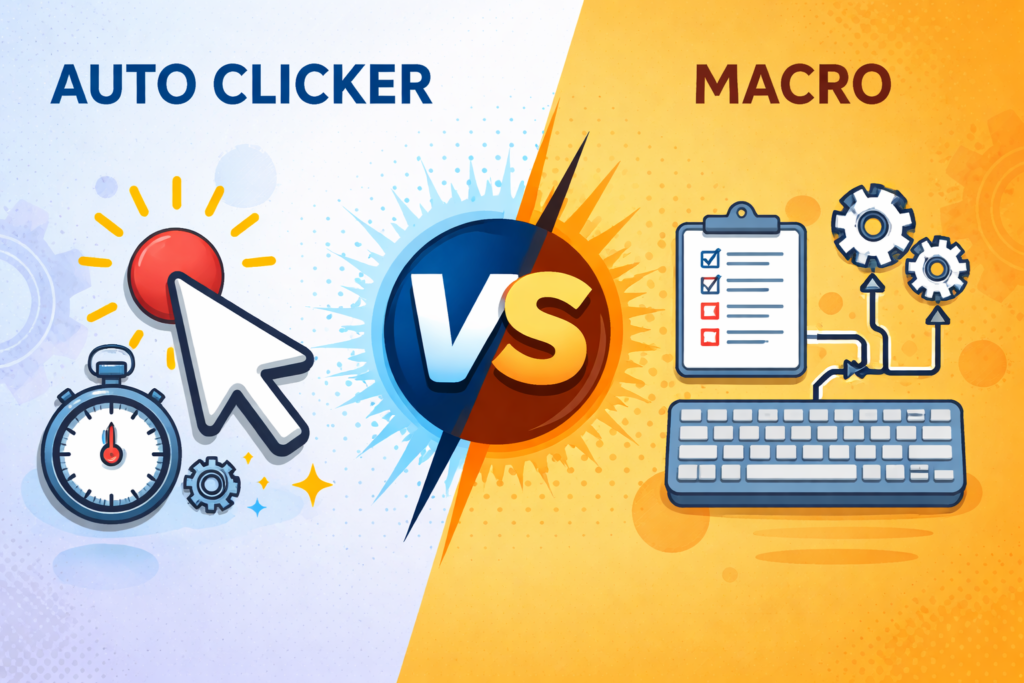
Understanding the core differences between these two tools is essential when deciding which one to use. The debate of Auto Clicker vs Macro often comes down to simplicity versus functionality.
1. Functionality
The most significant difference between Auto Clicker vs Macro is functionality. Auto clickers are limited to simulating mouse clicks, while macros can perform a wide range of actions, including keyboard input and complex sequences.
2. Complexity
Auto clickers are simple and easy to use. They usually have a straightforward interface with minimal configuration. In contrast, macros can be complex, especially when creating detailed workflows.
3. Use Cases
When comparing Auto Clicker vs Macro, the use case plays a major role. Auto clickers are ideal for repetitive clicking tasks, while macros are better suited for automating multi-step processes.
4. Customization
Macros offer a higher level of customization than auto clickers. Users can define specific actions, delays, and conditions. Auto clickers, while customizable, are limited in scope.
5. Learning Curve
Another key aspect of Auto Clicker vs Macro is the learning curve. Auto clickers are beginner-friendly, whereas macros may require some technical understanding.
Advantages of Auto Clickers
Auto clickers are popular for their simplicity and efficiency. Here are some benefits:
- Easy to set up and use
- Saves time on repetitive clicking tasks
- Reduces physical strain
- Ideal for beginners
- Lightweight and fast
In the context of Auto Clicker vs Macro, auto clickers are the go-to choice for users who need quick and simple automation.
Advantages of Macros
Macros offer a broader range of features and capabilities:
- Automates complex workflows
- Supports both mouse and keyboard actions
- Highly customizable
- Improves productivity significantly
- Suitable for advanced users
When discussing Auto Clicker vs Macro, macros stand out for their versatility and power.
Disadvantages of Auto Clickers
Despite their benefits, auto clickers have limitations:
- Limited functionality (only clicking)
- Not suitable for complex tasks
- Less flexible compared to macros
These limitations highlight why the Auto Clicker vs Macro comparison is important when choosing the right tool.
Disadvantages of Macros
Macros also come with some drawbacks:
- More complex to set up
- Requires learning and practice
- Can cause errors if not configured properly
In the debate of Auto Clicker vs Macro, macros may not be ideal for users looking for quick and simple solutions.
Use Cases: When to Use Each Tool
Use Auto Clicker When:
- You need repeated mouse clicks.
- Playing click-intensive games
- Performing simple tasks like refreshing pages
- Testing click-based applications
Use Macro When:
- Automating multi-step workflows
- Data entry and processing
- Gaming with complex commands
- Software testing and scripting
The decision in Auto Clicker vs Macro depends largely on the complexity of your tasks.
Auto Clicker vs Macro in Gaming
Gaming is one of the most common areas where both tools are used. In simple games that require continuous clicking, auto clickers are highly effective. However, in advanced games that require multiple actions, macros provide a competitive advantage.
For example, an auto clicker can help with idle or clicker games, while a macro can execute a series of moves or commands in strategy games. This makes the Auto Clicker vs Macro comparison particularly relevant for gamers.
Auto Clicker vs Macro in Productivity
In productivity tasks, macros are generally more useful because they can automate complex workflows. For instance, in spreadsheet applications, macros can automate calculations, formatting, and data entry.
Auto clickers, while helpful, are limited to basic tasks. Therefore, in the context of Auto Clicker vs Macro, macros are often preferred for professional use.
Security and Risks
Both tools carry risks if not used properly. Some applications and games consider automated tools a violation of their terms of service. Using them irresponsibly can lead to account bans or restrictions.
When comparing Auto Clicker vs Macro, it’s important to use trusted software and ensure compliance with platform rules.
Which One Should You Choose?
Choosing between the two depends on your needs:
- If you need simple, repetitive clicking → choose an auto clicker
- If you need complex automation → choose a macro
The Auto Clicker vs Macro decision ultimately depends on the level of automation required and your comfort with technology.
Conclusion
In summary, both auto clickers and macros are powerful tools that automate tasks and improve efficiency. While auto clickers are simple and ideal for repetitive clicking, macros offer advanced capabilities for handling complex workflows.
Understanding the differences between these tools can help you choose the right one for your specific needs. The comparison of Auto Clicker vs Macro highlights the importance of selecting the appropriate tool based on task complexity, customization needs, and user expertise.
By making the right choice, you can save time, reduce effort, and significantly boost your productivity.