

In today’s digital world, repetitive actions like clicking, scrolling, and filling forms consume valuable time. The Opera auto clicker has emerged as a must-have extension in 2026, offering seamless automation within the Opera browser.
Whether you’re a gamer automating taps in browser-based games, a professional filling endless forms, or a developer testing user flows, the Opera browser auto clicker simplifies tasks and enhances efficiency.
This article provides a comprehensive guide to the auto clicker Opera browser, including installation steps, features, use cases, risks, and best practices.
Table of Contents
What is the Opera Auto Clicker?
The Opera Browser Auto Clicker is a browser extension designed to automate mouse clicks, scrolling, and form interactions inside Opera. It functions as an Opera automation tool, enabling users to set click intervals, define targets, and run workflows without manual effort.
Key Features
- Precision clicking: Automate clicks at intervals as low as 1 millisecond.
- Multi-target automation: Configure sequences for complex workflows.
- Scrolling automation: Auto-scroll through feeds, dashboards, or long documents.
- Form filling: Save and reuse input patterns for repetitive fields.
- Screen recording: Capture browser activity for tutorials or testing.
Why Use Opera Browser Auto Clicker?
The auto clicker Opera extension offers several benefits:
- Productivity boost: Automates repetitive tasks like form submissions and dashboard refreshes.
- Gaming efficiency: Automates rapid clicks in idle or clicker games.
- Accessibility: Assists users with mobility challenges by reducing manual clicks.
- Consistency: Ensures precise timing for testing and automation tasks.
Use Cases for Opera Browser Auto Clicker
- Gamers: Automate repetitive clicks in browser-based games like idle RPGs.
- Testers & Developers: Simulate user interactions for QA testing.
- Professionals: Refresh dashboards, auto-scroll reports, or fill forms.
- Content Creators: Automate uploads, capture screens, and streamline workflows.
How to Install Opera Browser Auto Clicker (Step-by-Step)
Installing the Opera auto clicker extension is simple:
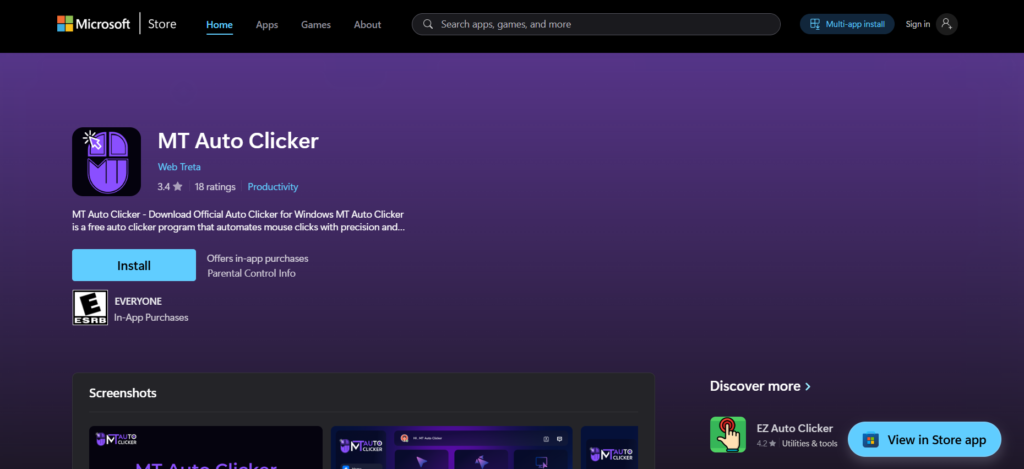
- Download the extension
- Visit the Opera Add-ons store.
- Search for “Auto Clicker” and select a trusted option like MT Auto Clicker.
- Install the extension
- Click Add to Opera.
- Confirm permissions.
- Configure settings
- Open the extension from the toolbar.
- Set click intervals (e.g., 1ms to several seconds).
- Define click targets (single or multiple).
- Save presets for recurring tasks.
- Run automation
- Activate the auto clicker when needed.
- Monitor activity through the extension dashboard.
Comparison of Opera Clicking Extensions
| Extension | Precision Clicking | Multi-target Automation | Scrolling Automation | Form Filling | Screen Capture | Ease of Setup |
|---|---|---|---|---|---|---|
| MT Auto Clicker | 1ms intervals | Yes | Yes | Yes | HD recording | Simple presets |
| Generic Auto Clicker | Limited | No | No | Limited | No | Manual setup |
| Advanced Opera Tools | Variable | Yes | Yes | Yes | Yes | Moderate |
Risks and Limitations
While the Opera clicking extension is powerful, users should be aware of potential risks:
- Security concerns: Malicious auto clickers may capture data. Always install from the official Opera store.
- Gaming bans: Some platforms may restrict accounts for using automation.
- Browser performance: Running multiple auto clickers simultaneously can slow down Opera.
- Accuracy issues: Poorly configured click intervals may cause workflow errors.
Best Practices for Using Auto Clicker Opera Browser
- Download only from trusted sources (Opera Add-ons store).
- Use presets for recurring tasks to avoid misclicks.
- Test automation on non-critical workflows before applying to production.
- Limit usage in gaming to avoid account bans.
- Update regularly to benefit from new features and security patches.
Future of Opera Auto Clicker Extensions (2026 and Beyond)
By 2026, Opera auto clicker extensions have evolved into multi-functional productivity suites. They now integrate with:
- AI-driven automation: Predicts user actions and suggests workflows.
- Cloud sync: Save presets across devices with your Opera account.
- Advanced analytics: Track automation efficiency and productivity gains.
- Accessibility tools: Enhanced support for users with disabilities.
The Opera auto clicker setup is now more intuitive, with drag-and-drop interfaces and customizable dashboards.
Conclusion
The Opera browser auto clicker has become an essential tool in 2026 for anyone dealing with repetitive browser tasks. From gamers automating clicks to professionals streamlining workflows, the auto clicker for Opera browser offers precision, speed, and convenience.
By following best practices and using trusted extensions like MT Auto Clicker, users can safely harness the power of automation in Opera. As the technology continues to evolve, expect even more intelligent features, deeper integration with Opera services, and enhanced security.